
Localization & pricing
Localizing is not just translating English. Pick a country where the keyword has demand, use the words people actually search, and set a price that fits the market.
When to localize
- You see demand: The keyword has estimated downloads in that country.
- Competitors make money: Top apps have MRR or pricing that suggests the market can pay.
- The product fits: The app can serve users in that language or country without creating support pain.
- You can measure it: You have enough keywords, rankings, installs, trials, or revenue to know whether it worked.
Start with store localization
You can localize the App Store listing before you localize the full app. Use that as a market test before doing deeper product work.
Pick the country first
Choose one target country
In AppSprint ASO, use the country button in the toolbar or the country selector in the Add Keywords sheet. Start with one market, not ten.
Compare keyword quality
Look at estimated downloads, difficulty, current position, top-5 downloads, and top-5 MRR for the same keyword in that country.
Check the apps already winning
Open competitor pages and compare ratings, screenshots, revenue, pricing, and whether their product is clearly localized.
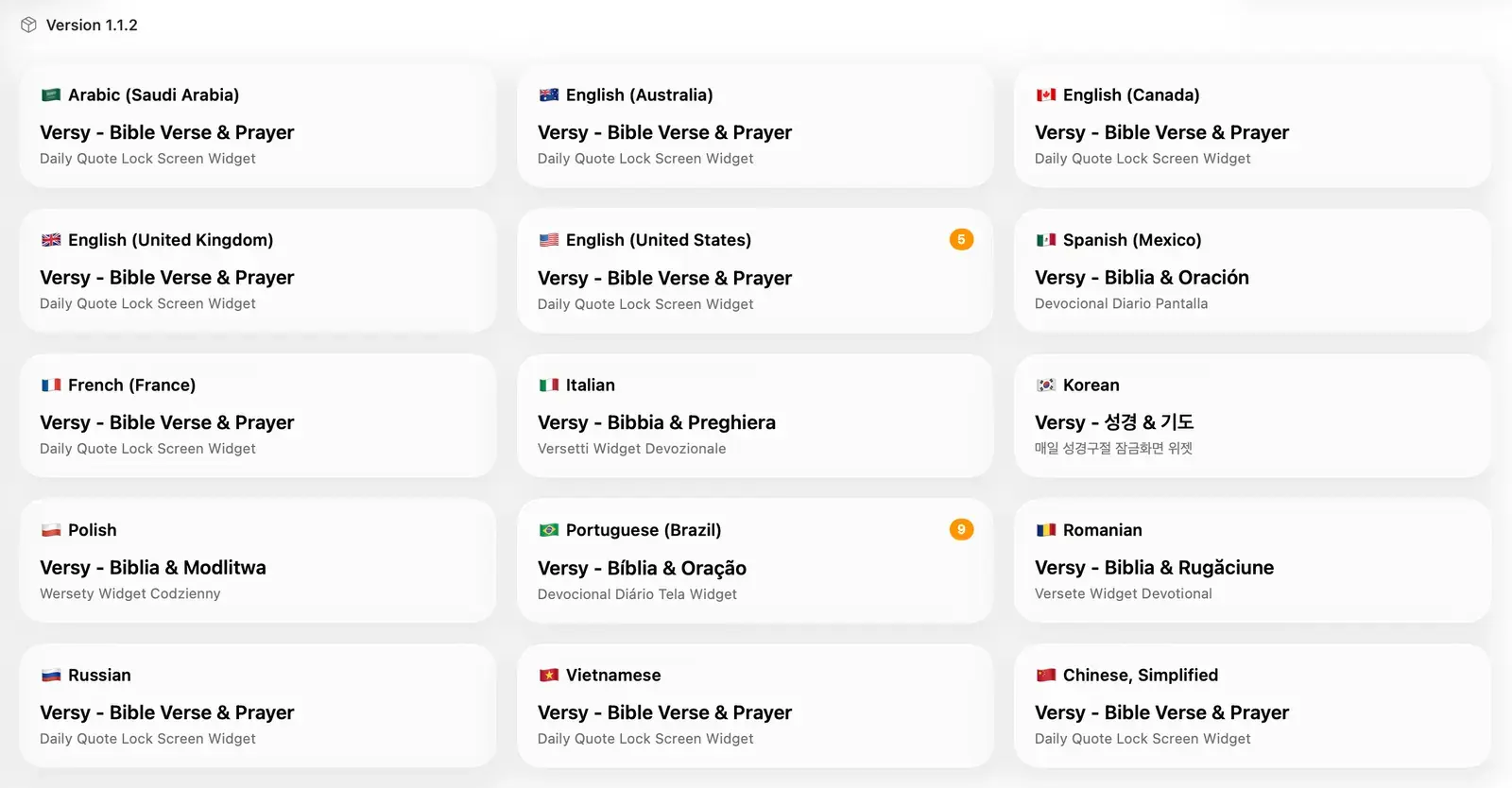
Localize metadata
- Do local keyword research: Do not translate the English keyword list word for word. Search behavior changes by country.
- Keep the intent: The title and subtitle should still explain the same problem and outcome.
- Use the limits: Keep title and subtitle within 30 characters each, and the keyword field within 100 characters.
- Avoid duplicate words: Do not waste metadata space repeating the same word across fields.
- Build local phrases: Pick the strongest local phrase that includes your main word. The best combo in English may not be the best combo in another country.
Use the App Store Connect guide when you are ready to fetch and update localizations from AppSprint ASO.
Localize screenshots
- Translate every overlay: Leaving English text on localized screenshots makes the page feel unfinished.
- Leave room for longer words: Some languages need more space. Make the layout flexible before exporting every size.
- Use local proof when you have it: Show local currency, local examples, or local workflows only when they are true inside the app.
- Match the keyword: If a country cares about a different use case, let the first screenshot reflect that intent.
For the screenshot workflow, use the screenshot guide.
Set prices by market
- Start from competitors: Look at what the top apps charge in that country before choosing your own price.
- Check purchasing power: A price that works in the US can be too high in another market, even if the keyword has demand.
- Protect revenue quality: Do not lower prices just to make installs cheaper. Watch trials, paid conversions, refunds, and revenue.
- Change one market at a time: If you change metadata, screenshots, and price everywhere at once, you will not know what helped.
Simple pricing rule
Pick the highest price that still converts in that country. If trial starts are fine but paid conversion is weak, pricing may be the issue. If taps are weak, fix the listing first.
Ship and review
Ship the localized store page
Update metadata, screenshots, and pricing for the country you are testing.
Give it time to settle
Watch rankings, installs, trials, paid conversions, and revenue for one to two weeks before making another big change.
Keep winners, cut distractions
If the country pays back, add more keywords and local screenshots. If it does not, keep the learning and move to the next market.