App download checker
Check estimated monthly app downloads, explore country rankings, and compare apps in the same category.
Explore app markets

ChatGPT
Productivity


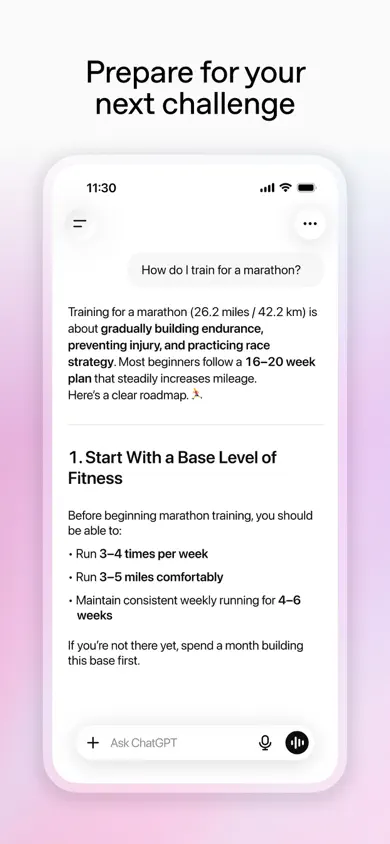
$302M
Est. revenue / month
25M
Est. downloads / month

YouTube
Photo & Video


$195M
Est. revenue / month
6M
Est. downloads / month

Snapchat
Photo & Video


$80M
Est. revenue / month
5M
Est. downloads / month

Tinder
Lifestyle



$55M
Est. revenue / month
2M
Est. downloads / month

Claude by Anthropic
Productivity



$68M
Est. revenue / month
8M
Est. downloads / month

CapCut
Photo & Video
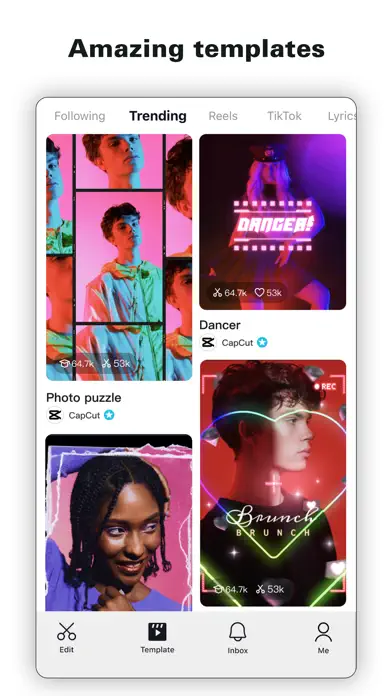


$51M
Est. revenue / month
12M
Est. downloads / month

Disney+
Entertainment


$47M
Est. revenue / month
3M
Est. downloads / month

Duolingo
Education



$45M
Est. revenue / month
6M
Est. downloads / month

HBO Max: Stream Movies & TV
Entertainment

$40M
Est. revenue / month
2M
Est. downloads / month

Crunchyroll
Entertainment

$38M
Est. revenue / month
800K
Est. downloads / month

YouTube Music
Music
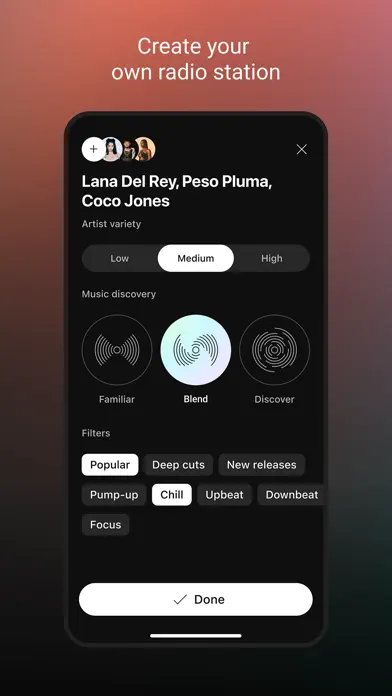


$38M
Est. revenue / month
2M
Est. downloads / month

Canva: AI Video & Photo Editor
Photo & Video

$29M
Est. revenue / month
6M
Est. downloads / month

Grok AI
Productivity

$29M
Est. revenue / month
3M
Est. downloads / month

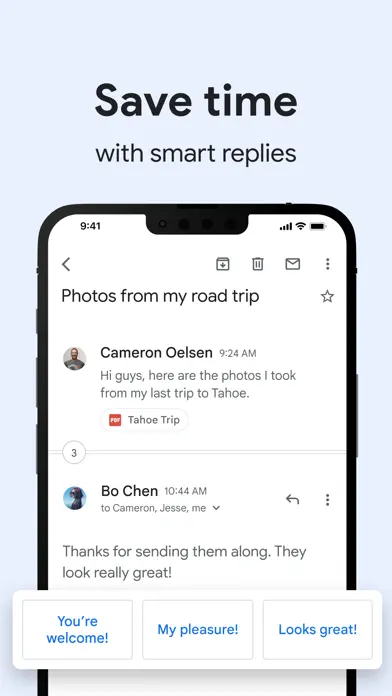
Gmail - Email by Google
Productivity
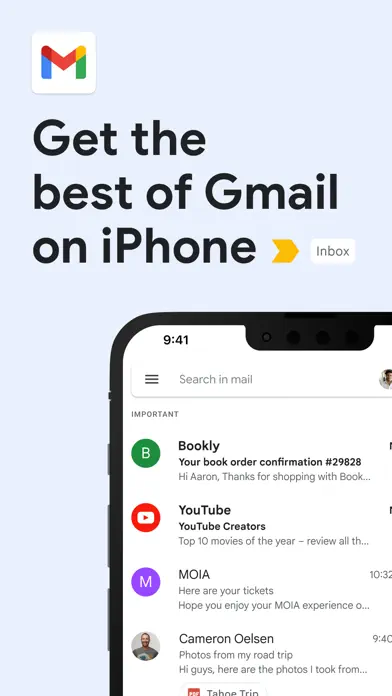

$27M
Est. revenue / month
7M
Est. downloads / month

Audible: Audiobooks & Podcasts
Book

$26M
Est. revenue / month
600K
Est. downloads / month

Alipay - Simplify Your Life
Lifestyle



$26M
Est. revenue / month
3M
Est. downloads / month

Hinge Dating App: Match & Date
Lifestyle


$22M
Est. revenue / month
1M
Est. downloads / month

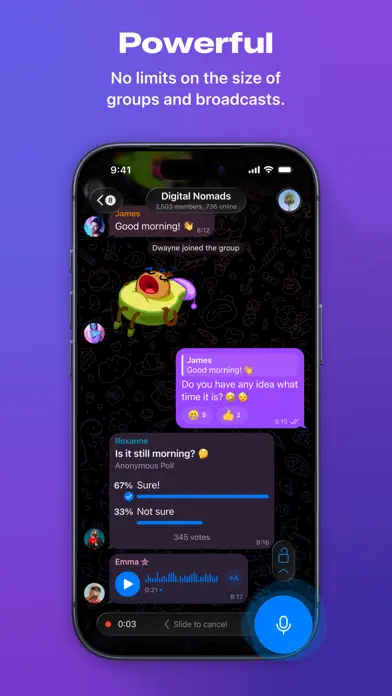
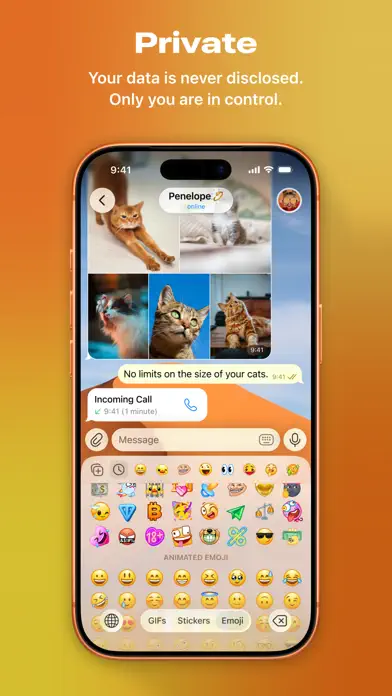
Telegram Messenger
Social Networking

$21M
Est. revenue / month
6M
Est. downloads / month
How to use app download estimates for competitor ASO research
Use download estimates to understand demand, compare competing iOS apps, and decide which keywords and markets deserve a closer look.
Start with apps serving the same audience
Search for the app or category you want to understand. Pick competitors solving a similar problem, then compare their estimated monthly downloads. Comparing a focused utility with a global social network will tell you little about demand for your own app.
Look for several competitors with meaningful activity. One popular app may reflect a strong brand or a short-lived campaign rather than an opportunity that a new iOS app can reach.
Compare the same period and country coverage
A monthly download estimate and a lifetime install count measure different things. Record the source date, time period, country coverage, and definition of a download before putting estimates next to each other.
Keep unknown fields marked as unknown. Country chart rankings help you understand where an app is visible, but they do not turn a global download estimate into a local count.
Read rankings, ratings, and screenshots together
Download estimates show the scale of demand. Search rankings show where an app is visible, while ratings and screenshots help explain why people might choose it. Review these signals together before deciding a niche is easy or crowded.
Look at the first screenshots and the promise they make. A competitor that explains its benefit clearly can convert more of the visitors it already receives.
Check whether demand also converts to revenue
An app can attract many downloads while generating little revenue. Compare download estimates with pricing, subscription options, and revenue estimates to understand the business behind the traffic.
Use the figures to choose what to investigate. They cannot tell you a competitor's acquisition costs, retention, or profit, and they do not guarantee the same results for a new app.
Turn download research into one test
Choose a keyword, market, or product-page improvement based on what you found. Then measure its effect using your own impressions, downloads, activation, and revenue.
Return to the same set of competitors over time. Consistent comparisons are more useful than changing your plan every time a single app moves up a chart.
App download checker FAQ
It shows sourced monthly App Store download estimates, alongside revenue estimates, ratings, category context, and country rankings when available. Check each result's source information and date before comparing apps.
No. These are estimates, not the app developer's private App Store Connect analytics. Use them to compare the scale of competing apps and decide which markets deserve more research.
No. Monthly downloads describe a period of activity. They are not lifetime installs, active users, or paying subscribers. Check how the source defines downloads and which period it covers.
Compare apps in the same category with a similar audience. Use the same period, country coverage, and source where possible, then review rankings, ratings, and screenshots to understand what may be driving demand.
You can explore country rankings alongside app estimates. A chart position is not a country-specific download count. Check the estimate's country coverage rather than assuming that a global figure belongs to one market.
Not necessarily. Pricing, subscriptions, advertising, and conversion rates all affect monetization. Compare download estimates with revenue estimates to distinguish broad reach from a market where users may pay.
Use estimates to identify apps with demand, compare the competition, and choose which keywords or countries to investigate. Validate the opportunity with keyword rankings, product page conversion, and your own app's results.