App Store Keyword Research Tool
Find keywords your competitors miss. AppSprint ASO shows popularity, difficulty, targeting labels, and download estimates for any App Store keyword across 66 countries.
March 23, 2026
What is App Store keyword research? App Store keyword research is the process of finding search terms users type into the App Store, then evaluating which ones your app can realistically rank for based on volume, competition, and relevance.
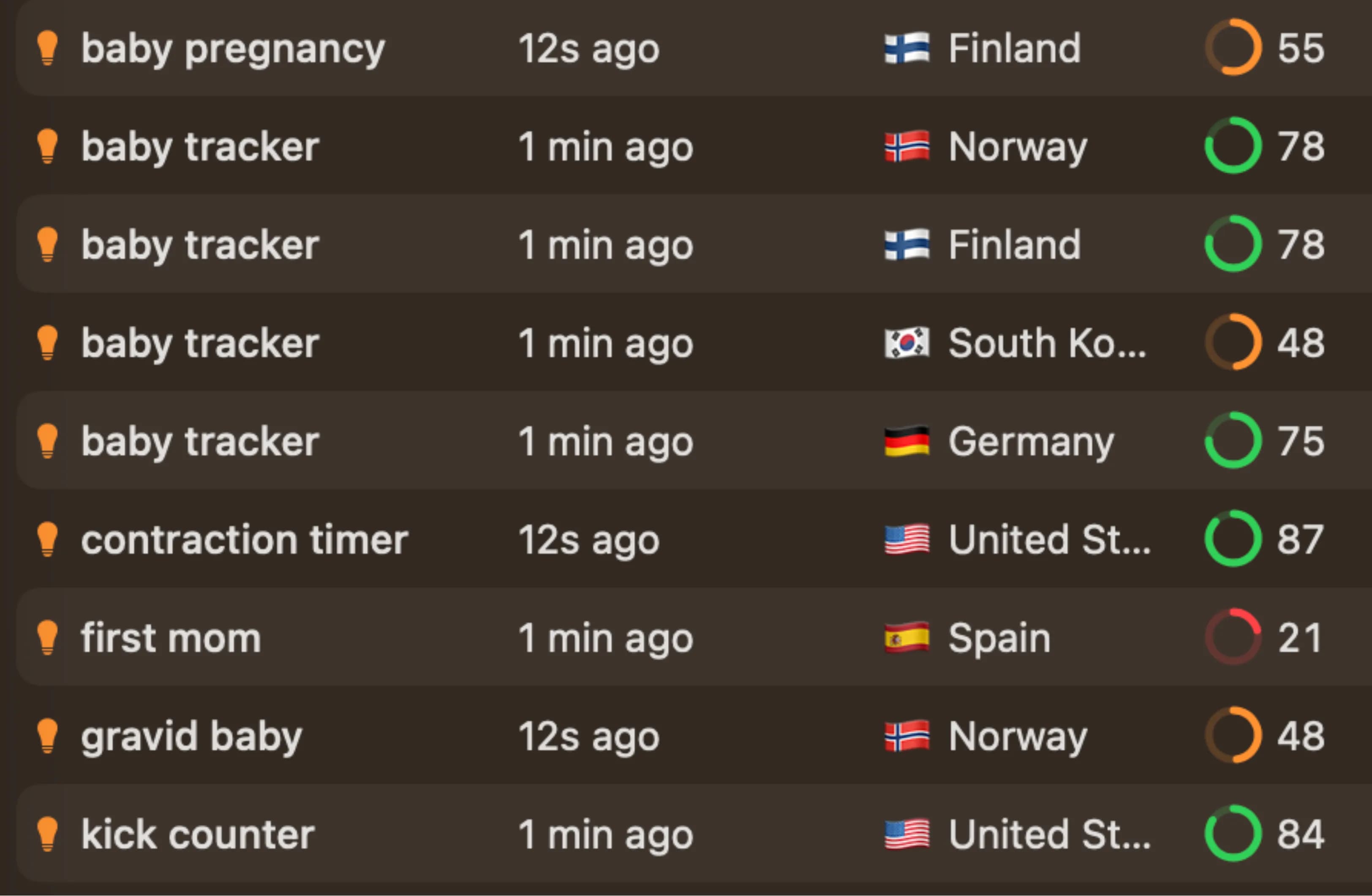
Find keywords that actually bring downloads
Most developers pick App Store keywords the same way: open the keyword field, type a few words that feel right, hit save, and hope for the best. Then they check back a month later and wonder why downloads haven't moved. The problem isn't effort. It's that you're guessing instead of looking at what people actually search for.
AppSprint ASO's keyword research tool gives you the data you need to stop guessing. Type any term and you'll see exactly how popular it is, how hard it'll be to rank for it, what targeting label it gets, estimated daily downloads, and which apps already own the top spots. Instead of picking keywords based on intuition, you're picking them based on what real users type into the App Store search bar — across 66 countries.
This matters because the App Store keyword field is only 100 characters. Whether you're a full-time developer, a freelancer managing client listings, or building a side project on weekends — you can't afford to waste a single character on a term nobody searches for, or one where the top 10 results are all apps with millions of downloads. The right keyword research process helps you find terms where there's real search volume and a realistic shot at ranking. If you want a deeper walkthrough of the whole process, our step-by-step keyword research guide covers it end to end.
How it works
The keyword research flow in AppSprint ASO is built around a simple loop: search, evaluate, expand, and decide. Here's how it breaks down.
-
Search a term. Start with any word or phrase related to your app. Type "habit tracker" or "workout log" or whatever your users might search for. AppSprint ASO pulls real-time data from the App Store and shows you the results instantly.
-
Check popularity, difficulty, and targeting label. Every keyword gets three key indicators. Popularity tells you how many people search for that term (5 to 100). Difficulty tells you how tough it'll be to crack the top 10 — calculated from 7 factors: rating volume, review velocity, dominant players, rating quality, market age, publisher diversity, and title relevance. And the targeting label — Sweet Spot, Hidden Gem, Quick Win, High Potential, Competitive, or Very Competitive — gives you an instant read on whether it's worth targeting.
-
See download and revenue potential. For each keyword, AppSprint ASO shows estimated daily downloads broken down by position tier: top 5, positions 6-10, and positions 11-20. You also see top-10 MRR data (best, average, worst) — so you know not just the traffic potential but the revenue potential of ranking for that term.
-
See who ranks for it. For each keyword, AppSprint ASO shows up to 50 competing apps with their rank, ratings, download estimates, and MRR. You can see exactly who you'd be competing against. If the top 10 is full of apps with millions of ratings, that keyword might not be worth targeting yet. If you see apps similar in size to yours, that's a signal you have a real shot.
-
Find related terms. AppSprint ASO surfaces related search suggestions based on what the App Store actually auto-completes. This is where the real gold is: long-tail variations that are less competitive but still get searched. A term like "habit tracker daily" might have half the popularity of "habit tracker" but a fraction of the difficulty.
-
Research across countries. Every keyword can be searched in any of 66 supported countries — US, UK, Germany, France, Japan, Brazil, Australia, and many more. Different markets have different keyword landscapes, and what's competitive in the US might be a Hidden Gem in another country.
-
Add keywords to tracking. Once you've found terms worth targeting, add them to your tracked keywords. AppSprint ASO will monitor your ranking position daily so you can see whether your metadata changes are actually moving the needle.
What you get for each keyword
When you research a keyword in AppSprint ASO, you're not just getting a single number. Here's the full picture for every term:
- Popularity score (5-100): How often this term is searched on the App Store. Higher means more eyeballs. Anything above 40 is worth paying attention to.
- Difficulty score (0-100): How hard it is to rank in the top 10 for this term. Computed from 7 weighted factors: rating volume, review velocity, dominant players, rating quality, market age, publisher diversity, and title relevance. Below 30 is where indie apps have the best chance.
- Targeting label: Sweet Spot, Hidden Gem, Quick Win, High Potential, Competitive, or Very Competitive. One glance tells you whether to pursue, investigate, or skip.
- Daily download estimates: Broken into position tiers — top 5, 6-10, and 11-20. Know exactly what ranking for this keyword is worth in downloads.
- Top-10 MRR: Best, average, and worst monthly revenue among the top 10 apps for this keyword. Tells you if the keyword attracts users who pay.
- Competitor count and details: Up to 50 apps that rank for this term, with their ratings, downloads, MRR, and country rankings.
- Related suggestions: Keywords the App Store suggests based on the term you searched. These are real queries that real people type, pulled straight from Apple's search suggestion engine.
Each metric on its own is useful. Together, they tell you whether a keyword is worth one of your 100 characters, or whether you should keep looking. For a side-by-side look at how this compares to enterprise tools, check the AppTweak vs AppSprint ASO comparison.
From the trenches
Say you have a habit tracker app. You open AppSprint ASO and search "habit tracker." The popularity score comes back at 62 — solid search volume. But difficulty is 78 and the targeting label shows Very Competitive. The top 10 is dominated by apps like Streaks, HabitNow, and other established players with hundreds of thousands of ratings. Competing head-on for that term is going to be rough.
So you look at the related suggestions. "Habit tracker simple" has a popularity of 38 and difficulty of 22 — labeled Sweet Spot. "Daily routine planner" comes in at 41 popularity, 29 difficulty — also a Sweet Spot. "Habit streak counter" sits at 35 popularity, 18 difficulty — labeled Hidden Gem. Now you've got three keywords with real search volume where apps your size are actually ranking.
You plug "habit tracker simple," "daily routine planner," and "habit streak counter" into your keyword field. That's 58 characters — leaving room for a couple more targeted terms. Two weeks later, you check your tracking dashboard and see you're ranking #6 for "habit tracker simple" and #9 for "habit streak counter." Downloads are up 40% compared to when you were targeting "habit tracker" and sitting at position #87.
That's the difference between guessing and researching. You didn't need a bigger marketing budget or a better app icon. You needed better keywords.
Start researching keywords today
Keyword research is the single highest-impact thing you can do for your app's discoverability. It takes 15 minutes, and the results compound every day your app sits in a better position.
Start your free trial — €0.00 due today, 3 days of full access across 66 countries. Search your first keyword, check the targeting label, and see what you've been missing. Solo plan at €19/month, Pro at €39/month after the trial. Just the data you need to pick keywords that actually bring downloads.
Frequently Asked Questions
- How does AppSprint ASO find keyword data?
- AppSprint ASO pulls data directly from the App Store, including search suggestions, popularity scores, difficulty ratings, and competitor rankings across 66 countries. No third-party estimates or guesswork.
- What do the popularity and difficulty scores mean?
- Popularity (5-100) measures how often people search for that term. Difficulty (0-100) measures how hard it is to rank in the top 10 based on 7 factors including rating volume, review velocity, dominant players, and publisher diversity. You want high popularity with low difficulty.
- What are targeting labels?
- Every keyword gets a targeting label — Sweet Spot, Hidden Gem, Quick Win, High Potential, Competitive, or Very Competitive — based on its popularity and difficulty combination. These help you prioritize keywords at a glance.
- Can I see which keywords my competitors rank for?
- Yes. Add a competitor app and AppSprint ASO will discover the keywords they're ranking for across 66 countries, so you can find gaps and opportunities.
- How many keywords can I track?
- The free trial gives you full access to keyword research and tracking. Paid plans: Solo (€19/mo) tracks 50 keywords, Pro (€39/mo) tracks 500 keywords.
Research, optimize, grow
Don't waste time guessing keywords or overpaying for enterprise tools you'll never fully use.


Trusted by 200+ developers